

Sales Reports
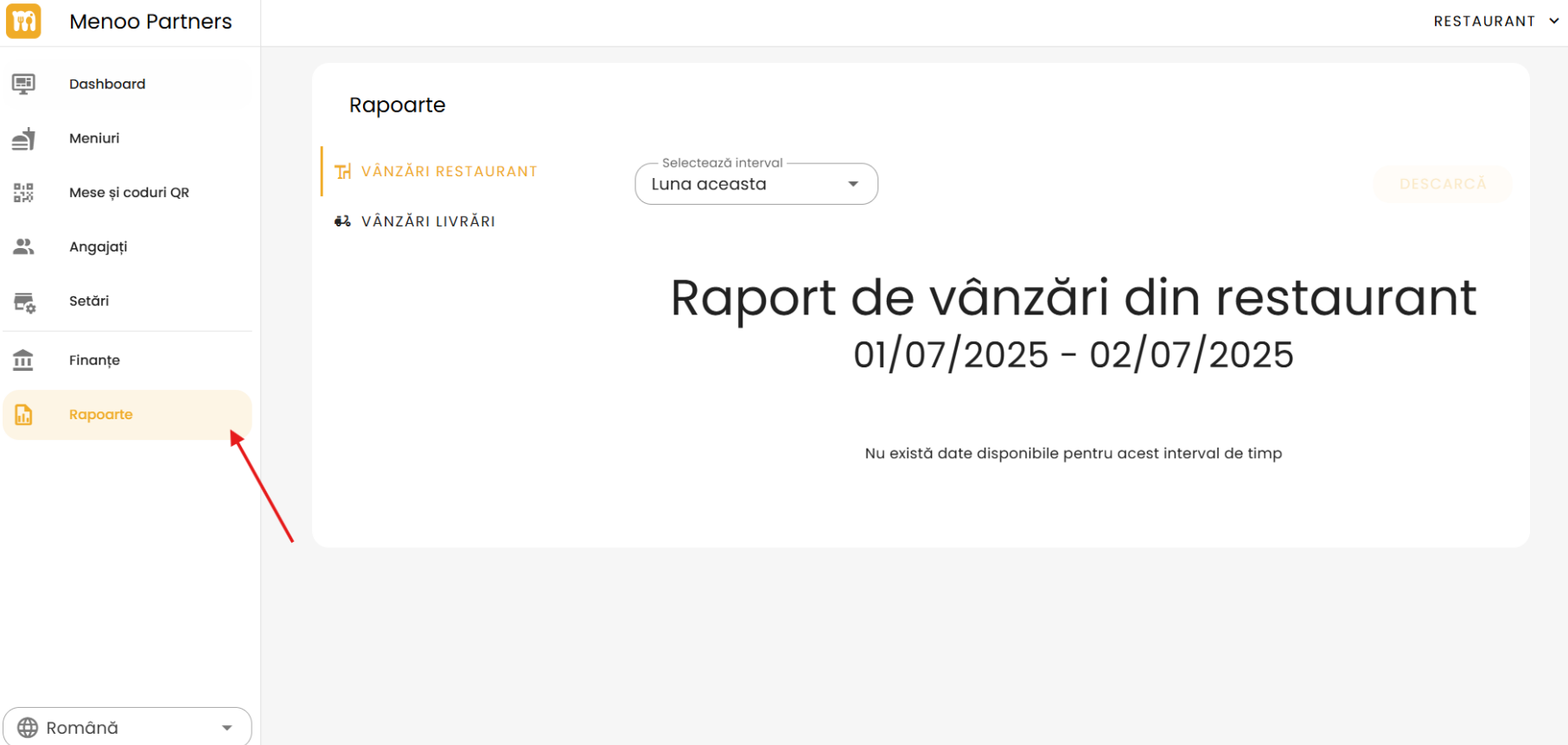
Go to the Reports page: https://parteneri.menoo.ro/ro/dashboard/reports#restaurant-sales
The "Reports" page in your Menoo Partners account provides a detailed overview of sales performance, divided into two main categories:
- Dine-in sales
- Delivery sales
Reports Page Structure
The page is divided into two main sub-sections, accessible via tabs:
- DINE-IN SALES
- DELIVERY SALES
1. Dine-in Sales
This section presents sales reports generated directly at the restaurant's physical location.
Select the time range
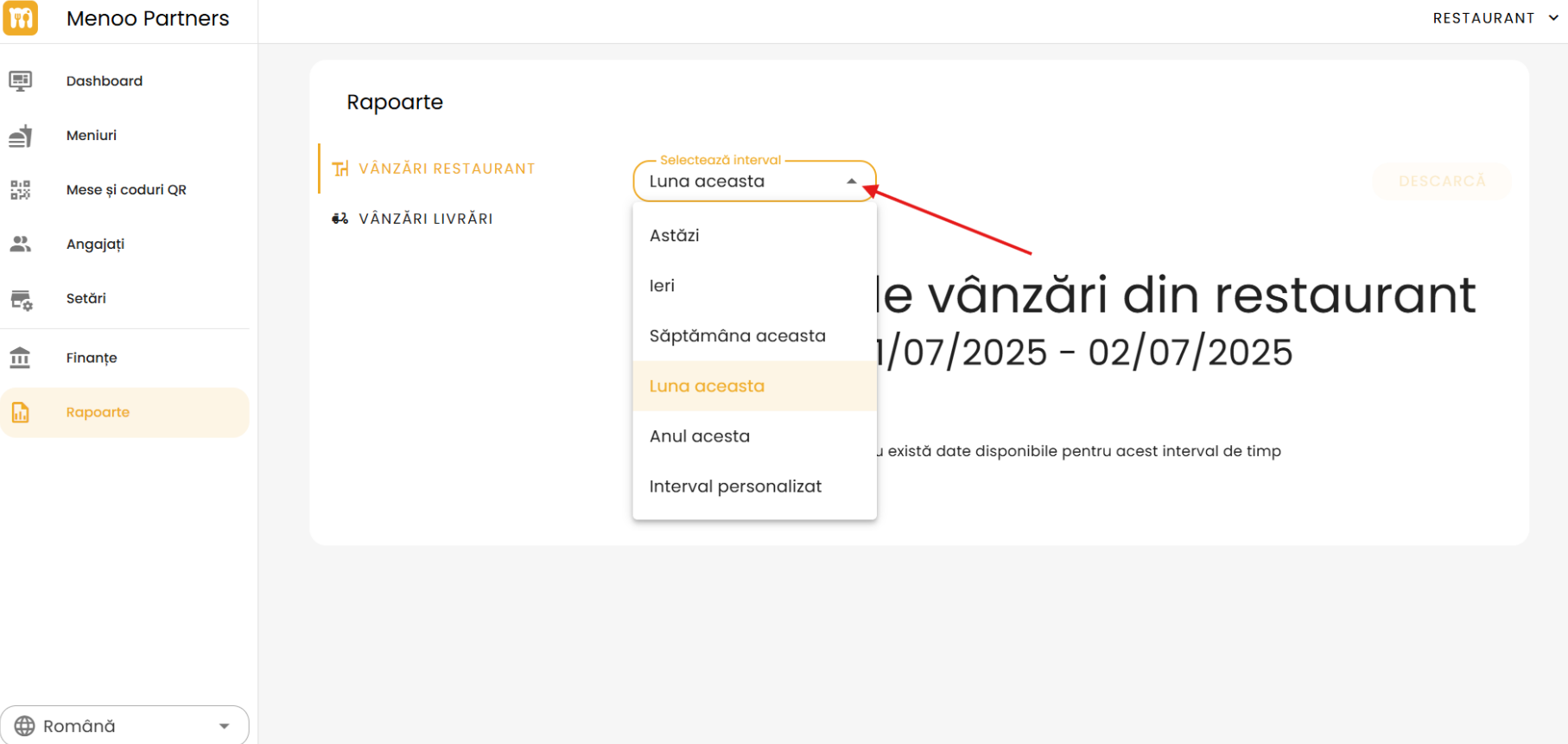
You can choose the period for which you want to view data:
- Today
- Yesterday
- This week
- This month (default)
- This year
- Custom range (manually select start and end dates)
Report title
After selecting the range, the report displays a customized title, e.g.:
Dine-in sales report 01/06/2025 - 25/06/2025
"DOWNLOAD" button
Located in the top-right corner. Allows you to download the report in electronic format for offline analysis.
Informational message
If there are no records for the selected period:
No data available for this time range
2. Delivery Sales
This section reflects sales generated through the restaurant's delivery services.
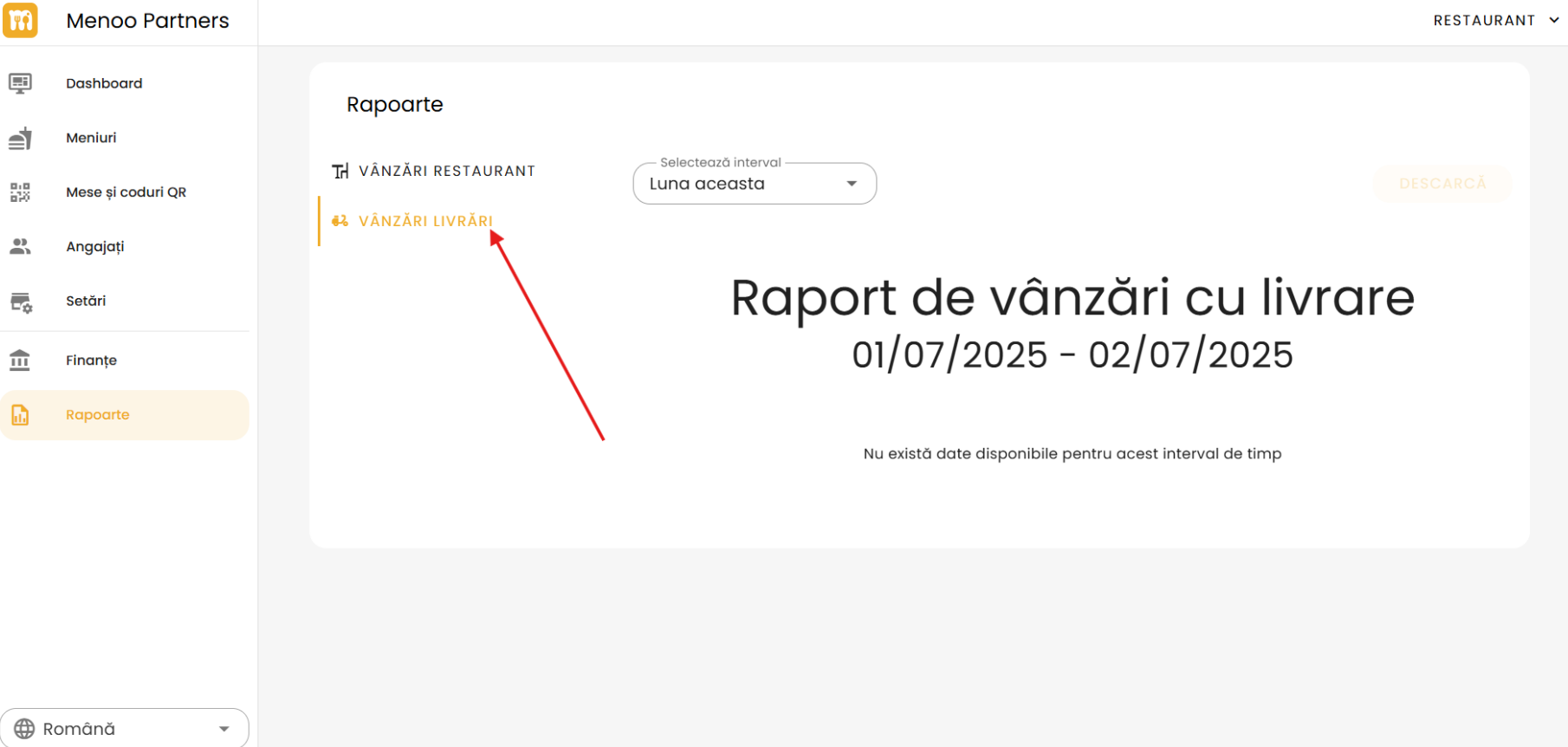
Select the range
Works identically to the "Dine-in Sales" section and offers the same selection options.
Report title
Adapted based on the sale type and selected period, e.g.:
Delivery sales report 01/06/2025 - 25/06/2025
"DOWNLOAD" button
Available to download the delivery report in electronic format.