

Getting Started
Account Setup
Registration and authentication on the Menoo Partners platform
Creating Your Account on Menoo Partners
This page covers creating a new account, the login process, and password recovery.
Registration
Go to the registration page
Navigate to: https://parteneri.menoo.ro/ro/auth/register
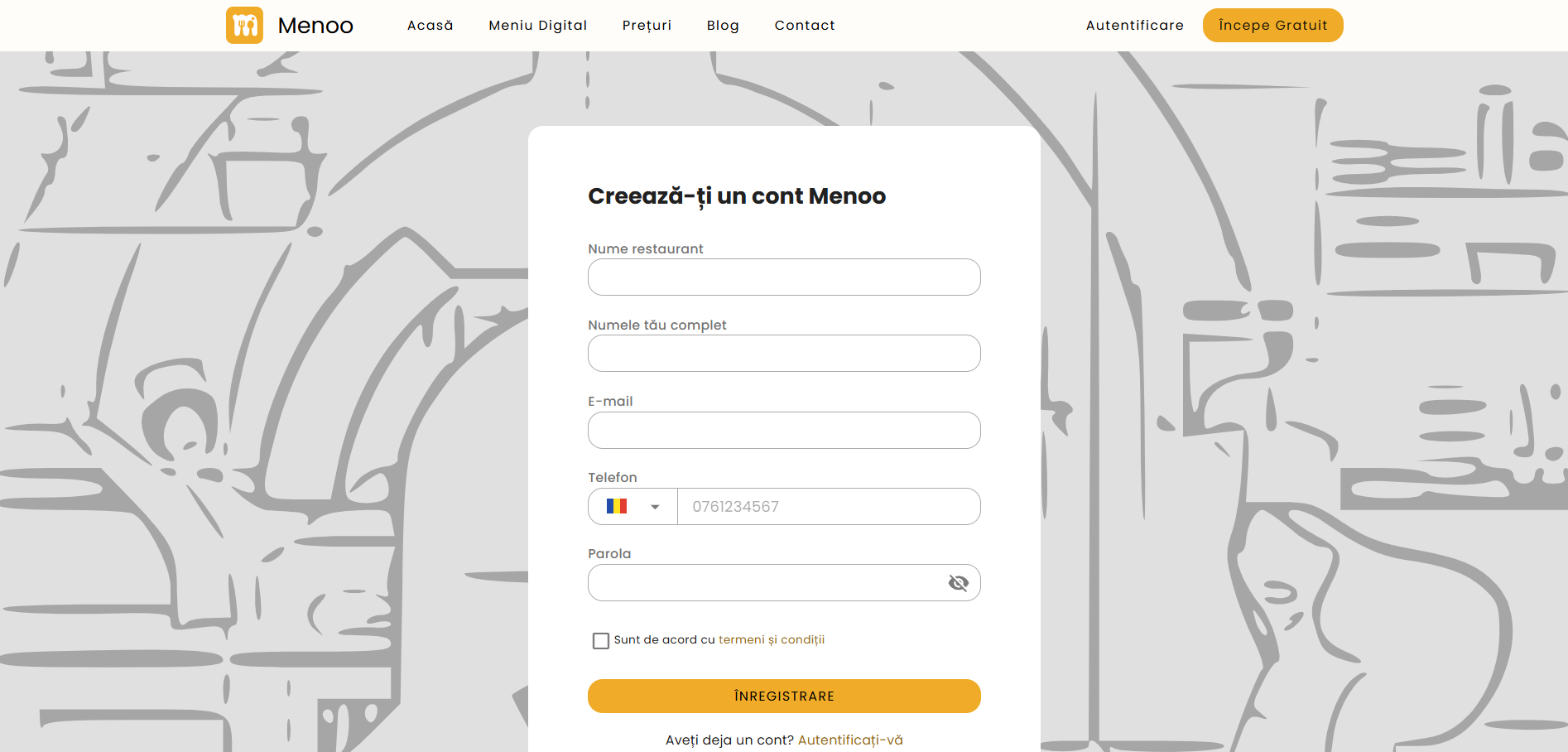
Fill in the required fields
- Restaurant name — enter your restaurant's full name.
- Your full name — first and last name.
- Email — a valid email address, used for communication and login.
- Phone — select the country code (default: Romania) and enter your number.
- Password — choose a secure password. Use the "eye" icon to preview the password.
- Terms and conditions — check the box to confirm your agreement.
Complete registration
Press the REGISTER button.
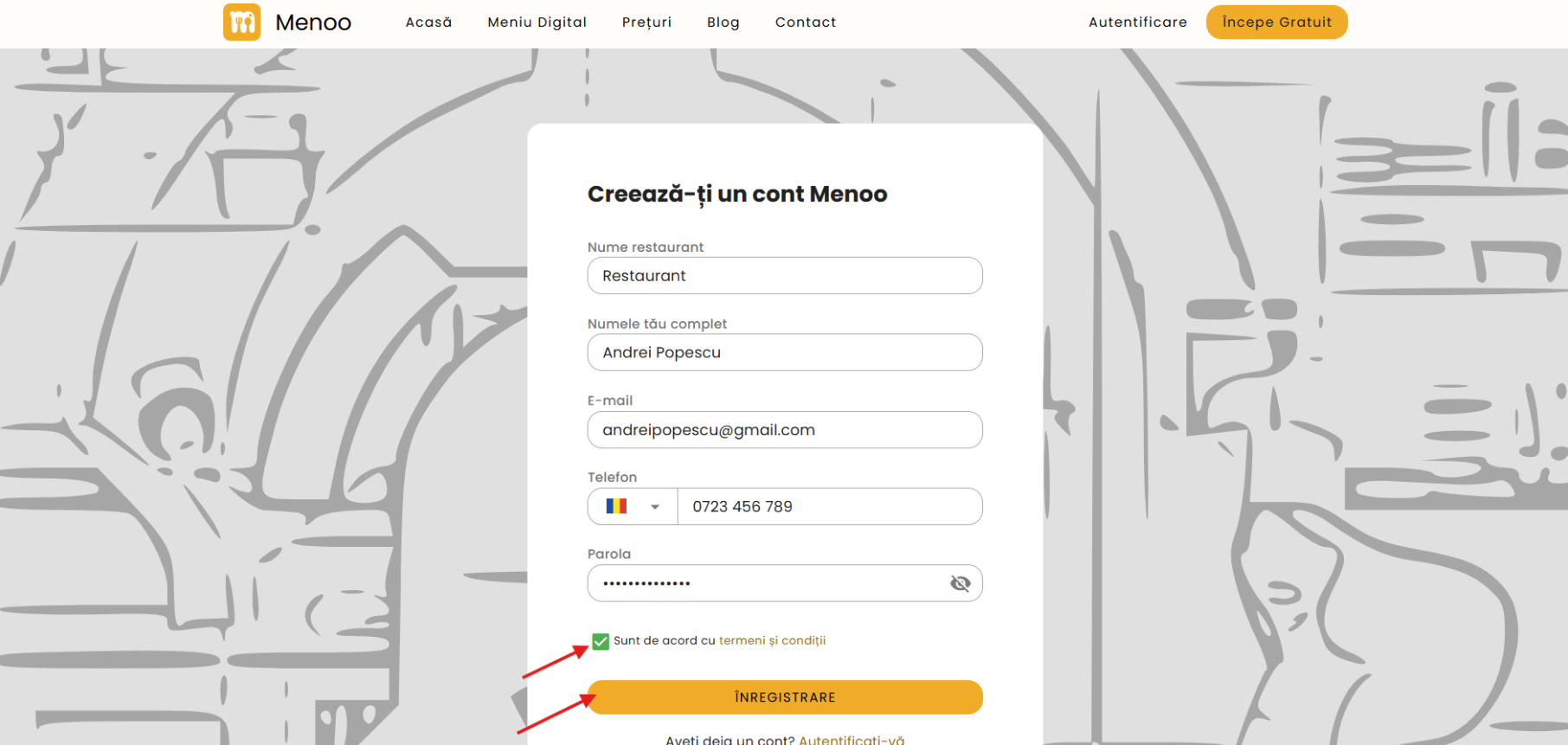
Account active immediately. After registration, your account is instantly active and you get a free trial with access to all platform features.
Login
Go to the login page
Navigate to: https://parteneri.menoo.ro/ro/auth/login
Enter your credentials
- Email — the email address associated with your account.
- Password — your account password. Use the "eye" icon to preview it.
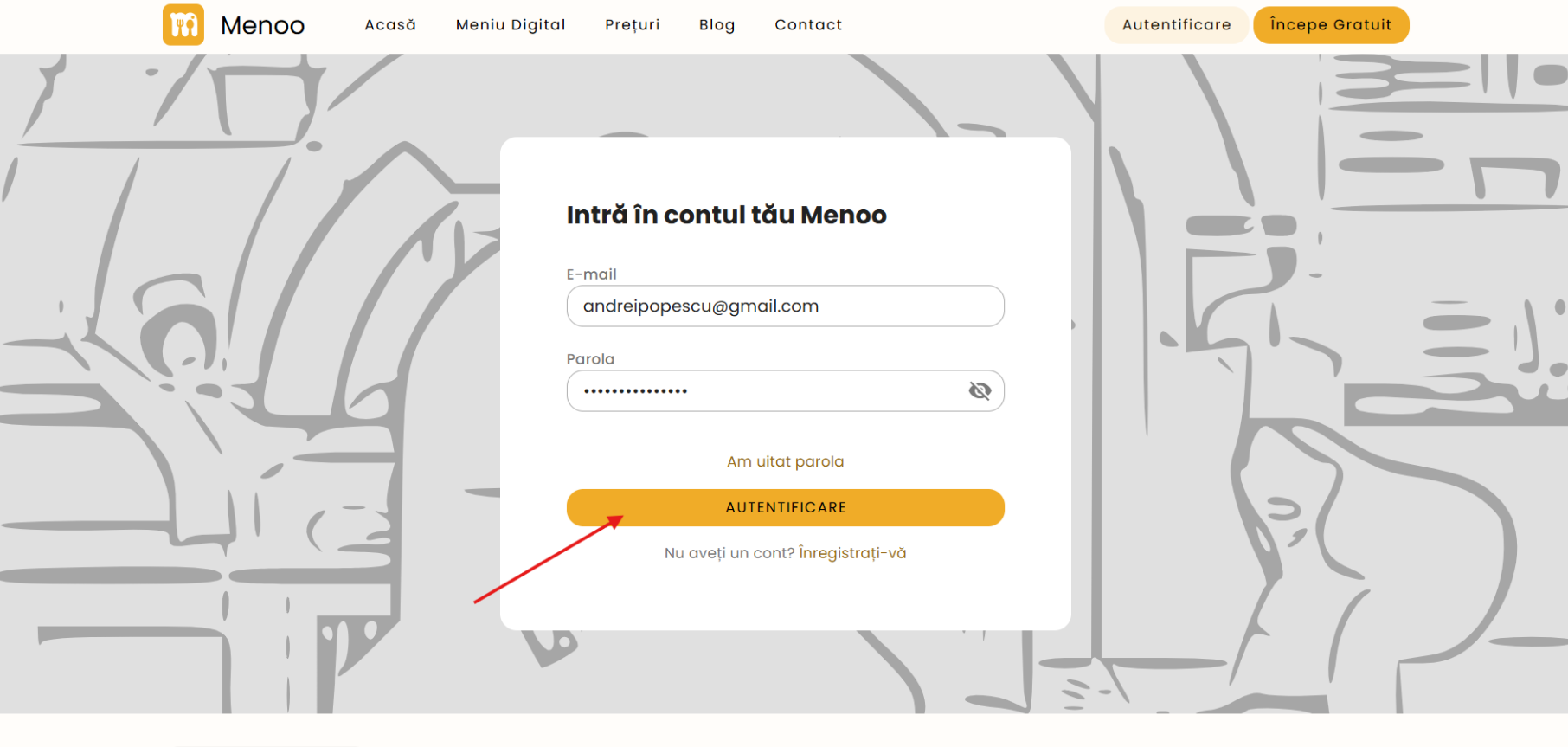
Press LOGIN
Password Recovery
If you forgot your password, you can reset it quickly:
Click "Forgot password"
On the login page, click "Forgot password", located below the password field.
Enter your email address
Enter the email address associated with your account.
Check your email
You'll receive an email with instructions to reset your password.
Check your Spam folder. If you don't receive the reset email within a few minutes, check your Spam or Junk folder.
What's Next?
After logging in, the next step is creating your first digital menu.