

Delivery
Using the Menoo Delivery App
Complete guide for delivery drivers on using the Menoo Waiter app to manage delivery orders
This documentation is intended for delivery drivers who use the Menoo Waiter mobile app — a dedicated tool for managing home delivery orders. The app allows you to accept orders, communicate with customers, navigate to their location, and mark orders as completed.
Authenticating in the App
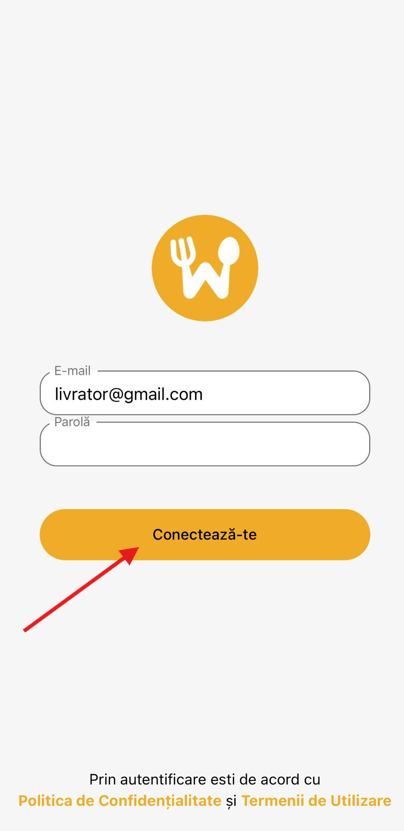
- Open the Menoo Waiter app on your mobile device.
- Enter the login credentials provided by the restaurant administrator (email address and password).
- Tap the Log In button to access the platform.
Main "Deliveries" Page
This is the main interface where orders assigned to the delivery driver are displayed.
Sidebar Menu (accessible from the top-left corner)
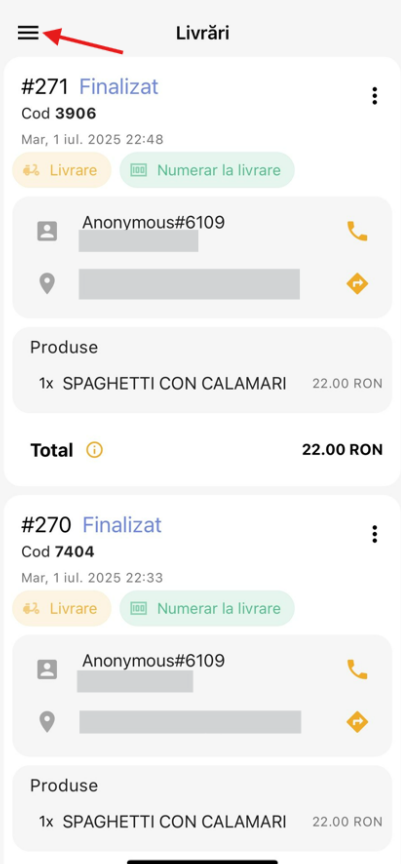
- Quick notification settings
- Order history
- Blocked clients
- Settings
- About the app (e.g., Version 3.0.0)
- Log out
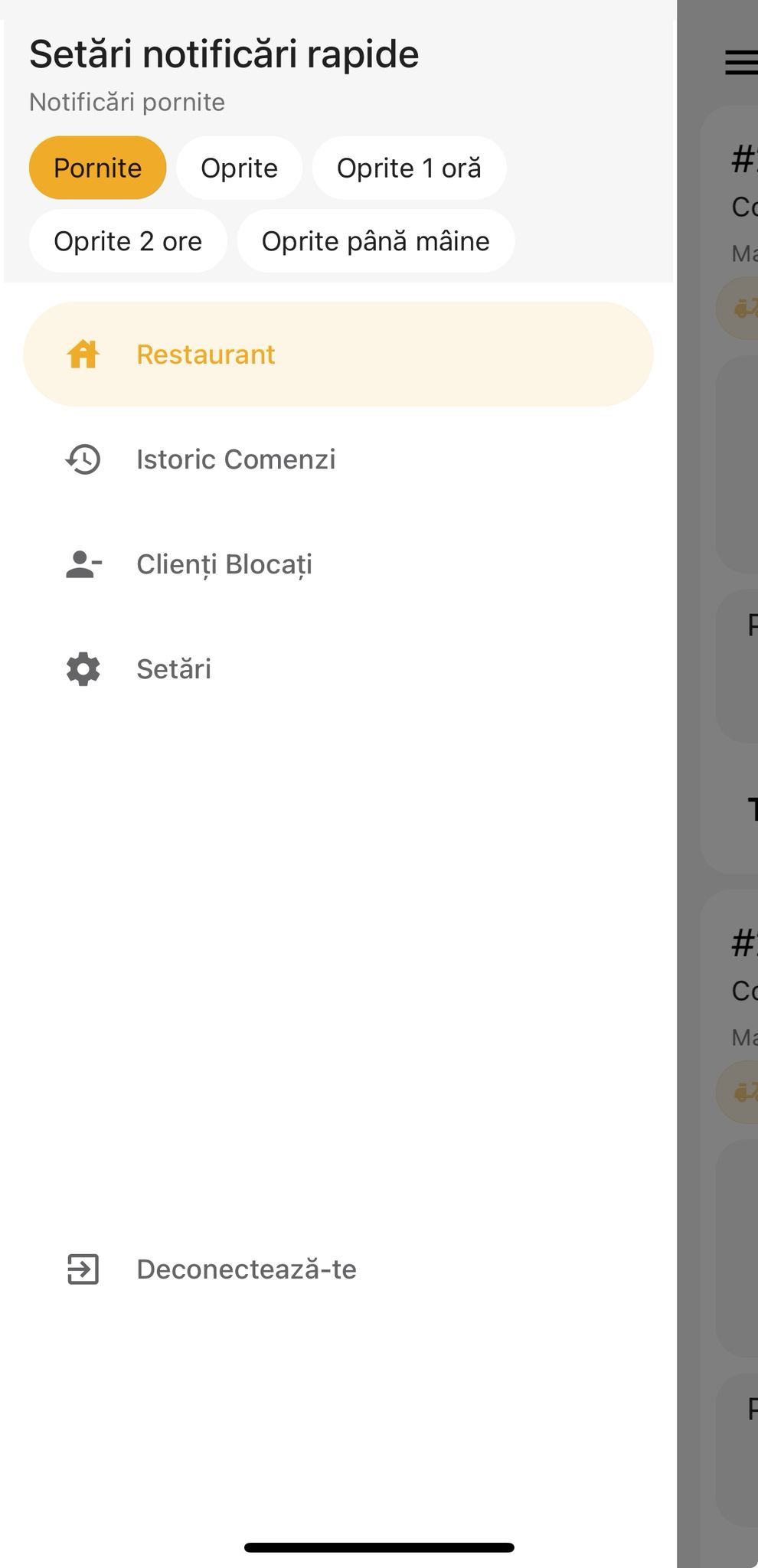
Page Title
- Deliveries – indicates that you are in the active deliveries section.
Order List
Each order is displayed as an individual card containing essential information.
Order Details
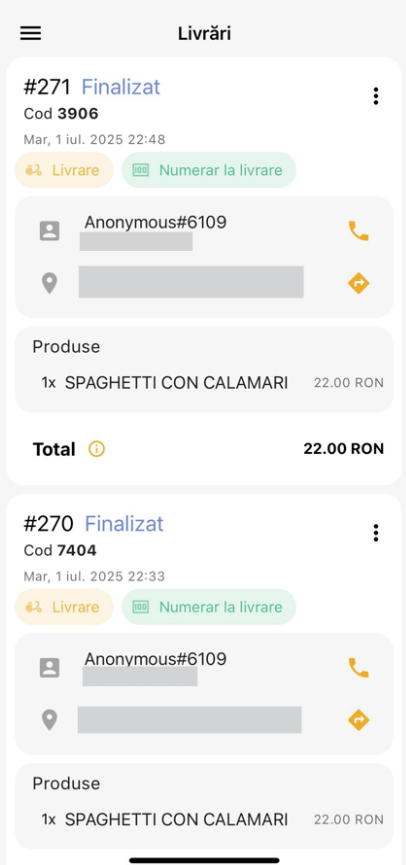
Each order card contains:
- Order number (e.g.,
#260) - Order status:
- Cancelled
- Completed
- New
- Short identification code (e.g.,
Code 5431) - Order date and time (e.g.,
Sun, Jun 29, 2025 21:44) - Delivery type: Delivery
- Payment method: Cash on delivery, Online payment
Customer Interaction and Navigation
Customer Details
- Name/Identifier (e.g.,
Anonymous#6109) - Phone (e.g.,
+40123456789) – can be called directly. - Delivery address (e.g.,
Spaliul Independentei nr 123, Bucharest, Romania) – can be opened in navigation apps (Google Maps).
Order Details and Total
- Ordered products (e.g.,
1x SPAGHETTI CON CALAMARI) - Order total (e.g.,
35.00 RON) - Ability to view additional information (subtotal, taxes, delivery fee) through an info button.
Managing Notifications
To receive alerts about orders:
- Open the sidebar menu.
- Select Quick notification settings.
- Enable the Allow notifications option.
Available options:
- Notifications on/off
- Off for 1 hour
- Off for 2 hours
- Off until tomorrow
By properly using the Menoo Waiter app, delivery drivers can manage orders efficiently, communicate easily with customers, and ensure fast, professional deliveries.