

Waiter App
Bill – Viewing and Management
Guide to viewing and managing the bill in the Menoo Waiter app
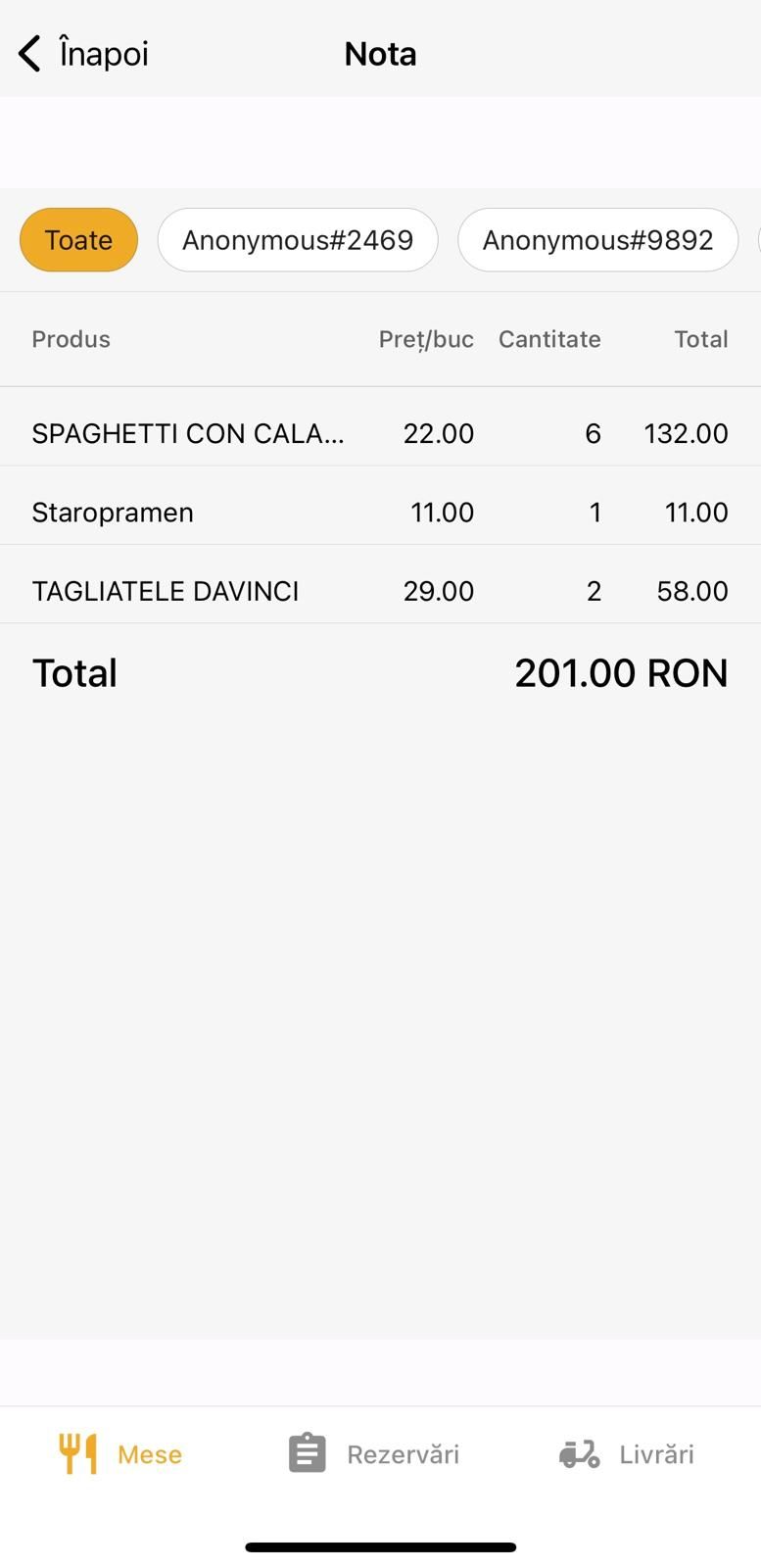
The "Bill" section provides a detailed view of all orders placed at a table, divided by customers, as well as payment totals. It is an essential tool for finalizing orders and processing payments.
Accessing the Bill page
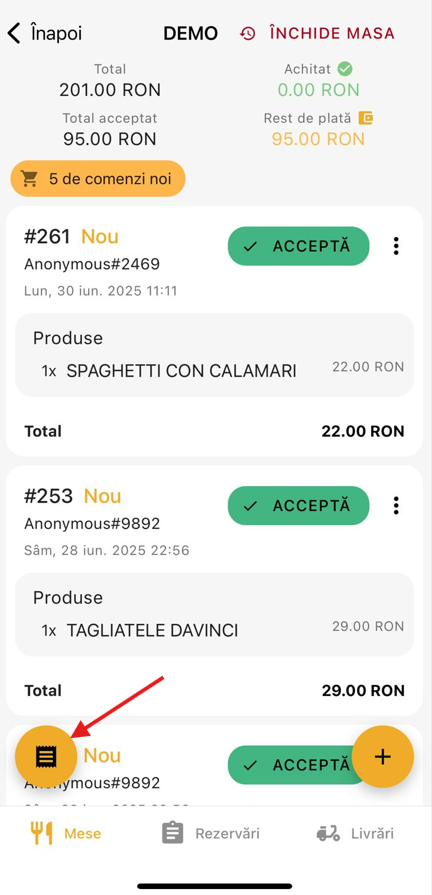
This page can be accessed from the Table Management screen by pressing the round button in the bottom-left corner.
Interface structure
Page header
- Back button – Returns to the previous page.
- Page title – "Bill", identifying the active section.
Filtering by customers
You can choose to view the order by:
- All customers – Displays a combined summary of orders for the entire table.
- Individual customer – Each customer is identified by name (e.g.,
Anonymous#2469,Alex, etc.).
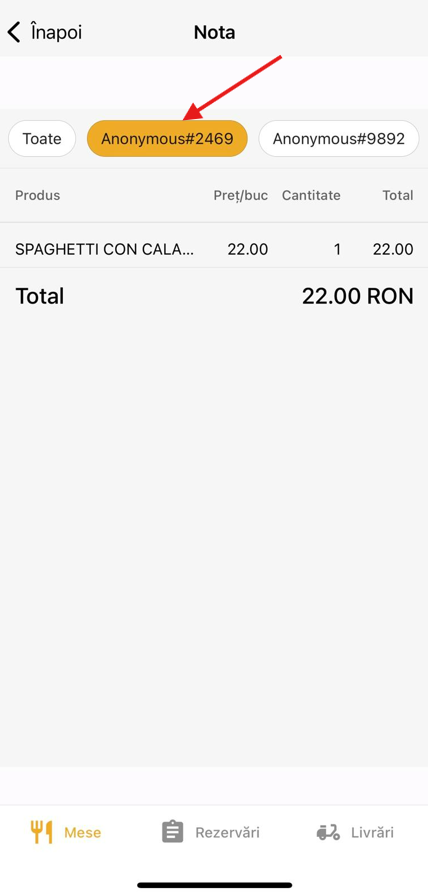
Good to know This feature is useful when customers want to pay separately (split bill).
Important note: Only accepted orders appear in the final total. Orders placed but not accepted will NOT be automatically included in the final bill.